


Our Projects
Here are a just a few of the apps we've built for our amazing customers
Here are a just a few of the apps we've built for our amazing customers


Transparen is a software development company which helps SMEs and Startups build digital products that they need to run their businesses.
Originally founded in 2003, we are a boutique firm focused on helping partners from Canada and the USA launch mobile apps for their businesses. Our Canado-Ukraini-American team combines the best of East and West. We are entrepreneurs, just like many of our clients, and understand the corresponding objectives and how to meet them. We provide project's support through its whole lifecycle
Get Started

We develop custom web apps to make your ideas work. Our tech stack includes JavaScript, PHP, AngularJS, React, Node.js.

To make your business mobile we provide native and hybrid apps development for iOS and Android.

We deliver branding, clickable prototypes, UX/UI design for web and mobile apps to make your clients love them.

Your dedicated manager leads the team, ensures that your project meets schedule and budget, reports to you on progress.



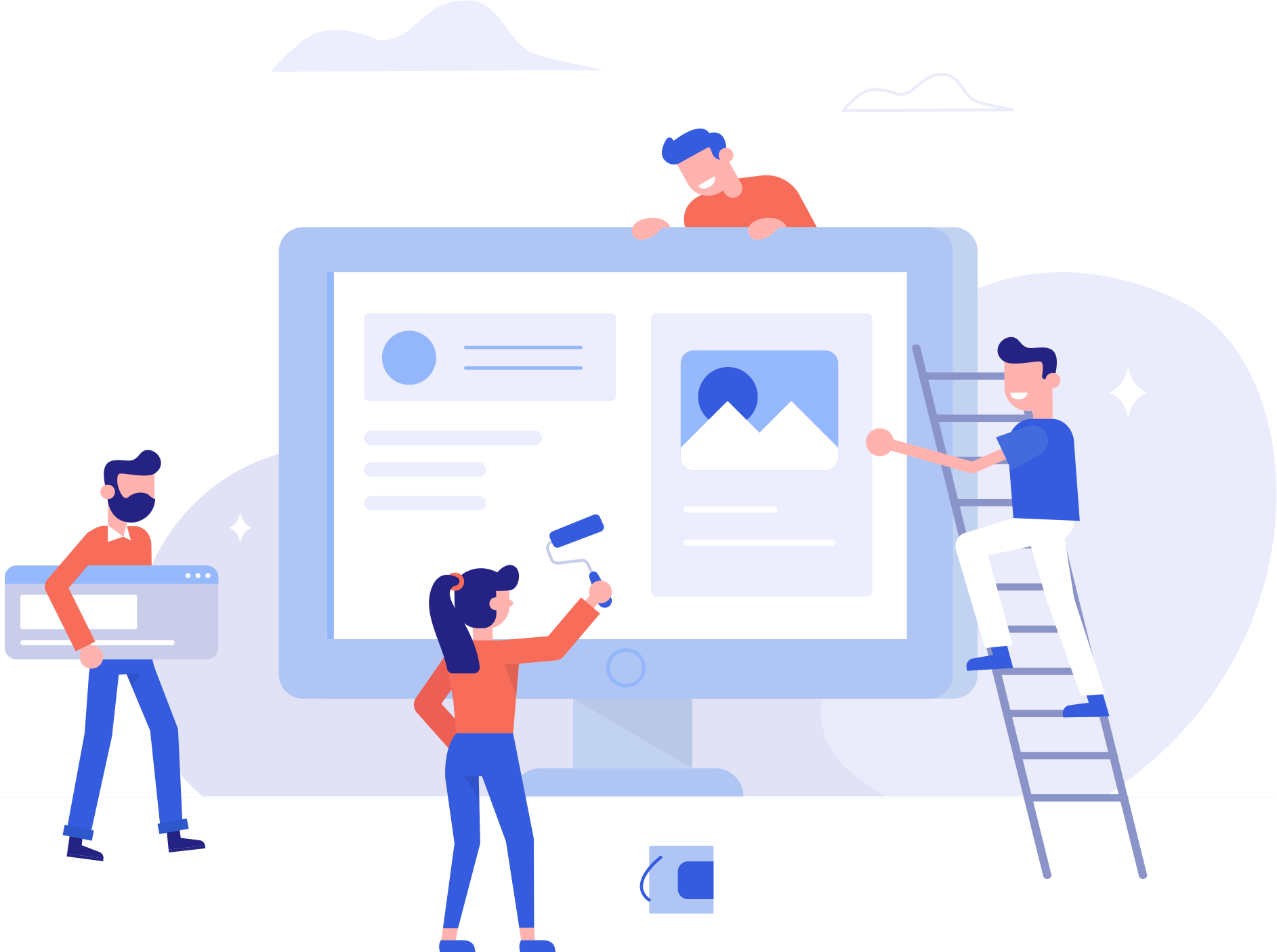
Founded in Canada in 2003 we are a boutique firm focused on helping partners from Canada and the USA launch mobile apps for their businesses. Our Canadian, American, Ukrainian partnership deftly combines the best of East and West. We are entrepreneurs just like many of our clients and understand the corresponding objectives and how to meet them...

Case has close to a decade’s experience in front-end development and system administration (specifically Linux). He’s well connected in the industry, and for each project, pulls together the right people for the job. When not collaborating with clients or updating his skills, he can be found nose-deep in a book, or dedicating time to becoming a polymath.
When not occupied in sky diving or racing cars, Sergey is an adept full stack developer and system administrator.
Steve is an expert in the capital markets having traded fixed income bonds for Merrill Lynch. He is an expert in SEO, lead generation and is a former Marine Officer.

Evgeniy has close to a decade of experience in API development, front-end development including lately React and React Native.

Irina blends hard-core creativity and discipline with technical knowledge of frameworks and user interface conventions.
When we need something drawn up or animated - and we constantly do - we turn to Slava, and he can get it done. Originally a quick drawing artist, he has turned his skills towards high technology and nowadays does it all digitally.

Need a site or an app designed quickly and properly, with an eye to detail and correct interpretation of requirements - that's a job for Katya. Katya is also studying computer science.
The best hypertext markup is hand-made, responsive, and beautifully put together with appropriate animations and effects. Inna does all that and more, producing beautiful work each time..